

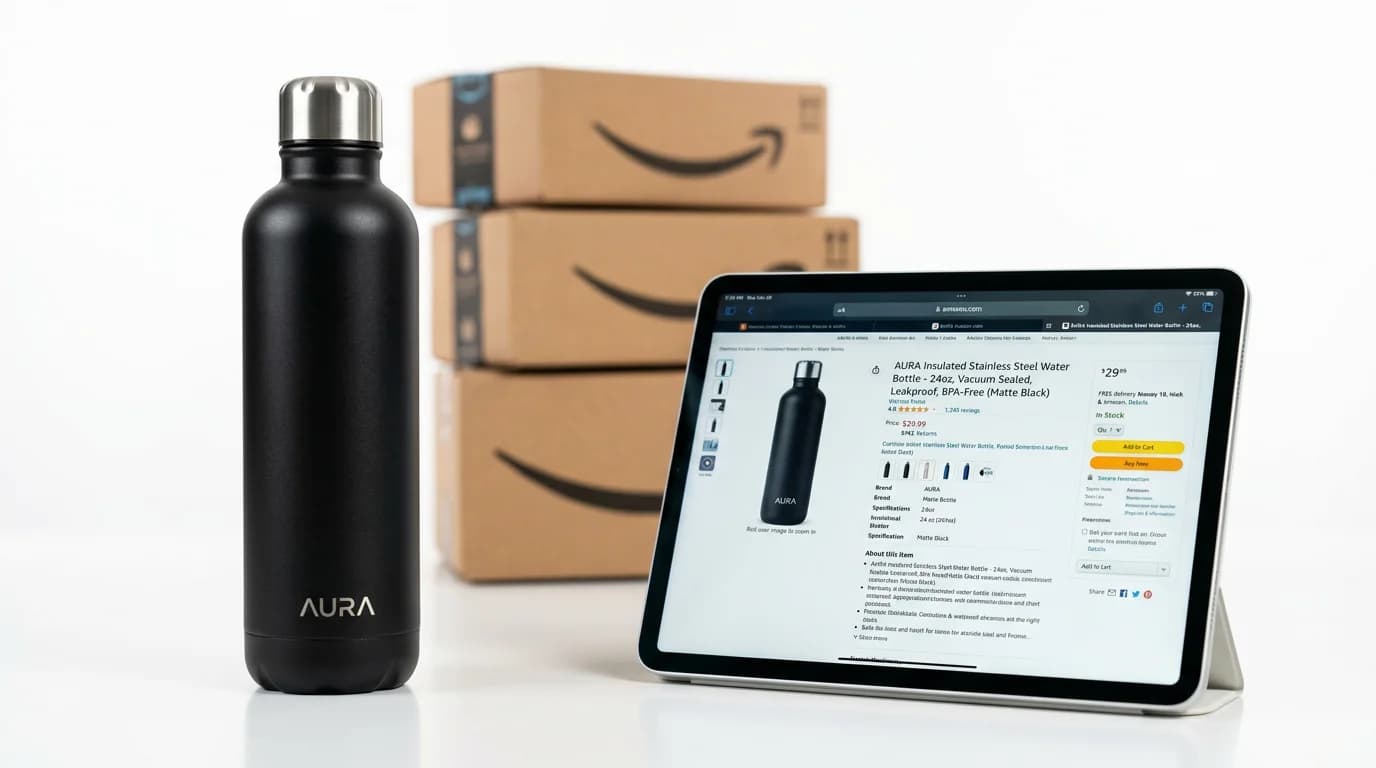
Why AI Product Photography for Amazon Listings Changes the Game
Getting your Amazon listing images right is not optional. It is the single biggest factor in your click-through rate, your conversion rate, and ultimately your sales velocity. The problem is that Amazon has strict image requirements, and meeting them with traditional photography costs $50-200 per product before you even think about A+ Content or lifestyle shots.
AI product photography for Amazon listings solves this by letting you generate compliant, high-quality images for a fraction of the cost. A full set of 7-9 images per listing runs roughly $5-20 in AI generation credits compared to $200-800 at a studio.
This guide covers exactly what Amazon requires, how to generate images that meet those requirements, and how to build a complete listing image set using AI tools.
Amazon Image Requirements: What You Need to Know
Amazon's image standards are more rigid than most marketplaces. Breaking these rules can get your listing suppressed or removed entirely. Here is what matters.
Main Image (MAIN)
Your main product image must have a pure white background (RGB 255, 255, 255). The product must fill at least 85% of the frame. Minimum resolution is 1000 pixels on the longest side to enable the zoom function, though Amazon recommends 2000 pixels. The file must be JPEG, TIFF, PNG, or GIF. No watermarks, logos, borders, or text overlays.
This is non-negotiable. Amazon's automated systems scan main images and will suppress listings that violate these rules.
Additional Image Slots
Amazon gives you up to 8 additional image slots beyond your main image (9 total). These slots are where you differentiate your listing from competitors. There are no white background requirements here. You can use:
- Lifestyle images showing the product in use
- Infographic images with callouts highlighting key features
- Comparison images showing size, scale, or product vs. competitors
- Alternate angle shots from the side, top, back, and detail views
- Packaging shots showing what the buyer actually receives
Sellers who fill all 9 slots consistently see 15-25% higher conversion rates than those using only 4-5 images.
How AI Tools Map to Amazon Listing Needs
Each type of Amazon listing image has a specific purpose. Here is how to generate each one using AI.
Main Image: Pure White Background
Use the Product Images tool to place your product on a clean white background at the right resolution. Upload one photo of your product, specify a white background, and generate. The output meets Amazon's RGB 255,255,255 requirement without needing to manually cut out backgrounds in Photoshop.
With Adverra's 14 guided tools, this takes about 30 seconds per image. Compare that to setting up a lightbox, shooting, and post-processing in a traditional workflow.
Alternate Views: Camera Angles
Buyers want to see your product from every side before purchasing. Generate side views, top-down shots, back views, and three-quarter angles from a single base photo. Our camera angles guide walks through the full process.
Plan for 2-3 alternate angle images in your listing. These directly reduce return rates by giving buyers an accurate mental model of the product.
Lifestyle Images: Model Casting and Scene Generation
Lifestyle images are where your listing comes alive. A kitchen gadget sitting on a countertop next to a cutting board. A backpack worn by someone hiking a trail. A desk organizer on a clean workspace.
Use Model Casting to add realistic human models to your product scenes. This is especially effective for apparel, accessories, fitness equipment, and home goods. You skip the cost of hiring models ($500-2,000 per shoot) while getting images that look like they came from a professional campaign.
Infographic Images
Amazon infographic images combine your product photo with text callouts, dimensions, feature highlights, and comparison charts. While AI tools generate the base product images, you will want to add text overlays using a simple design tool like Canva or directly in your listing builder.
Generate clean product-on-transparent-background images for your infographics, then layer in your selling points. Focus on the 3-4 features that matter most to buyers in your category.
Building a Complete 9-Image Amazon Listing
Here is a proven image slot strategy that works across most product categories:
- Slot 1 (Main): Product on pure white background, filling 85%+ of frame
- Slot 2: Lifestyle shot showing product in its natural environment
- Slot 3: Alternate angle (side or back view)
- Slot 4: Infographic with top 3-4 feature callouts
- Slot 5: Scale reference or product dimensions
- Slot 6: Close-up detail of materials, texture, or key component
- Slot 7: Second lifestyle image (different use case or setting)
- Slot 8: What's in the box / packaging contents
- Slot 9: Comparison chart or size guide
This structure answers every question a buyer might have before clicking "Add to Cart."
AI Product Photography for Amazon A+ Content
If you are Brand Registered on Amazon, A+ Content (formerly Enhanced Brand Content) lets you add rich image-and-text modules below your bullet points. This is prime real estate for conversion optimization.
A+ Content modules need banner images (970x600 pixels), comparison charts, and lifestyle imagery. Generating these with AI costs pennies compared to commissioning custom creative from a designer.
Focus on three A+ module types that drive the most conversions:
- Hero banner with your product in an aspirational lifestyle setting
- Feature grid with close-up images of 3-4 product details
- Comparison table showing your product vs. alternatives
Each module needs 2-4 images. For a complete A+ page with 5 modules, you might need 15-20 images total. At Adverra's pay-per-use pricing, that is roughly $11-$15 in credits.
Cost Comparison: Studio Photography vs. AI for Amazon
The numbers tell a clear story.
Traditional product photography:
- Main image + 4 alternate angles: $150-$400
- 2 lifestyle shots with models: $300-$1,000
- Infographic design: $50-$150 per image
- A+ Content images: $200-$500
- Total per product: $700-$2,050
AI-generated product photography:
- Main image: $0.25
- 4 alternate angles: $1
- 2 lifestyle shots with models: $0.50
- Base images for infographics: $0.50
- A+ Content images: $1.25-$2.50
- Total per product: $3.50-$4.75
For a catalog of 25 products, that is $17,500-$51,250 at a studio versus $294-$475 with AI. The savings are not marginal. They are an order of magnitude.
The math gets even more lopsided when you factor in A/B testing. Testing 3 different main images to find the highest-converting option triples your studio cost but adds only $2-$3 in AI credits.
Common Mistakes to Avoid
Using AI lifestyle images as your main image. Amazon requires pure white backgrounds for the main slot. Save the lifestyle shots for slots 2-9.
Generating images at too low a resolution. Always output at 2000px minimum. Amazon's zoom function requires at least 1000px, but 2000px ensures sharp detail at every zoom level.
Ignoring category-specific requirements. Some Amazon categories have additional image rules. Clothing requires images on a human model or mannequin. Grocery products need nutrition label images. Check your category's style guide before generating.
Using the same lifestyle setting for every product. Variety in your additional images keeps buyers scrolling through all 9 slots. Mix indoor and outdoor scenes, different lighting moods, and different usage contexts.
Getting Started
Start with your top-selling or highest-traffic ASIN. Generate a complete 9-image set and run it as an A/B test against your current images. Most sellers see measurable improvements in click-through and conversion rates within 2-3 weeks.
Check out our e-commerce product photography guide for platform-agnostic tips that apply across Amazon, Shopify, and other channels. Ready to generate your first set? Visit Adverra's pricing page to get started with credits that never expire.